Free to try · Daily limits apply
Convert MP4 to Text Online for Free
Drop audio or video here
MP3, MP4, WAV, M4A, MOV, WebM and more · up to 6 GB each
Record audio
No file? Record audio, then turn it into text and export to Word.
3 free recordings per day. Download the full audio.
- No credit card required
- Speaker labels
- TXT, DOCX, SRT, VTT exports for all languages; PDF (basic ASCII only) for plain English text
- Audio and video files
Supported formats: MP3, WAV, M4A, MP4, MOV, WEBM, AAC, FLAC
Private uploads. Files are used to create your transcript and exports.
Upload an MP4 and generate a readable, timestamped transcript from its audio. Review the text online, then download TXT or DOCX, with SRT and VTT available for subtitles.
No credit card · No watermark · TXT, DOCX, SRT, VTT & PDF (basic ASCII only) export · 100+ languages
Before you upload
MP4 to text: speech, not on-screen text
Upload an MP4 with a spoken audio track to create a transcript and text-based captions. This workflow does not extract slide text or other visible words from silent video.
- Free allowance
- The default free allowance is 3 transcription tasks per day, with local audio/video uploads automatically previewing the first 30 seconds. Files of 30 seconds or less are transcribed in full. Copying, editing, exports, GPT and translation are available to everyone for accessible transcript content. Full transcription beyond the preview requires Pro. Your available quota is determined by the service.
- File size and processing
- The uploader accepts files up to 6 GiB (6,442,450,944 bytes). Browser memory and service limits may be lower. Processing time is not guaranteed.
- Review and export
- Review names, numbers and speaker labels. TXT, DOCX, SRT and VTT support multilingual text. PDF supports Latin, Cyrillic, Greek, Chinese, Japanese and Korean text; use Word (DOCX) if PDF is unavailable. The upload workflow opens the task detail page; wait for processing to finish before reviewing and exporting the full result.
- When this is not a fit
- A video must have decodable audio. Test a short clip first: a supported file extension does not guarantee that every codec or large file will work in your browser.
Audio is uploaded for processing, not transcribed entirely offline. Before uploading sensitive recordings, review our privacy policy and ask about retention and deletion. See current paid plan terms before subscribing.
Built for audio, video, meetings, podcasts, lectures and interviews.
TXT, DOCX, SRT, VTT for all languages. PDF (basic ASCII only) for plain English text.
MP4 to text, at a glance
Everything you get when you transcribe an MP4
The questions people ask before uploading their first MP4 — answered plainly.
- Free allowance
- The default free allowance is 3 transcription tasks per day, with local audio/video uploads automatically previewing the first 30 seconds. Files of 30 seconds or less are transcribed in full. Copying, editing, exports, GPT and translation are available to everyone for accessible transcript content. Full transcription beyond the preview requires Pro. Your available quota is determined by the service.
- Credit card required
- No
- Input format
- MP4 video files (audio track is transcribed)
- Subtitle export
- Yes — SRT and VTT for captions
- Other exports
- TXT, DOCX (all languages), PDF (basic ASCII only)
- Upload size
- The uploader accepts files up to 6 GiB (6,442,450,944 bytes).
- Speaker labels
- Included for free
- Languages
- 100+ with auto-detect
This tool transcribes speech in the audio track, not text shown on screen. A silent video will not produce a spoken transcript. Browser memory, codecs and service limits can affect whether a file is processed.
How it works
Convert an MP4 to text in three steps
VoiceScribe transcribes the spoken audio inside the video while preserving useful timing and speaker context.
1. Upload the MP4 video
Choose a webinar, interview, meeting, lecture, screen recording, or creator video saved as MP4.
2. Transcribe the audio track
VoiceScribe detects the spoken language automatically, processes the MP4 audio and can separate speakers.
3. Review and download
Edit names or terminology, then export TXT or DOCX for reading and SRT or VTT for timed video captions.
MP4 transcription alternative
Compare an Otter.ai alternative for MP4 recordings
VoiceScribe AI handles uploaded MP4 webinars, meetings, lectures and creator videos, then exports transcripts and subtitles.
See why VoiceScribe is an Otter.ai alternativeWhy convert MP4 to text here
Built for MP4 transcription specifically
Download your MP4 transcript as text
One upload creates a readable transcript with TXT as the primary download. DOCX is available for editing, while SRT and VTT provide timed captions for the same video.
Check size and codec compatibility
Upload a short test clip before processing a large recording. Video decoding can use substantial browser memory, and codec compatibility varies by browser.
Separate speakers automatically
Speaker labels make multi-person MP4 transcripts easier to follow by identifying changes between interviewers, guests, panelists, and meeting participants.
Transcribe speech in 100+ languages
VoiceScribe detects the spoken language automatically. Review the transcript online before downloading the text.
Real MP4 · caption reference
Compare an MP4 recording with its transcript
Hear the spoken audio in this 34.6-second portrait interview clip and read the caption-based reference text. The reading copy is prepared from the embedded captions, not a verified VoiceScribe transcript.
If playback is unavailable, download the preview and open it locally. The text and subtitle downloads remain available.
Readable transcript · 9 segments
Select a timestamp to seek. Press play to listen.
Source: user-supplied MP4. Reference subtitles were manually copied from its embedded captions, with timings matched to visible caption changes. These files are not verified VoiceScribe exports. This is one sample, not an accuracy benchmark or a customer testimonial.
1. Listen and compare
Play the source clip and compare the spoken words with the readable transcript alongside it.
2. Review the wording
Check names, capitalization and incomplete sentences before reusing the text. The reference text follows the captions embedded in the supplied clip.
3. Download a reading copy
The TXT download removes subtitle numbering and timestamps from the reference SRT. Use it as a starting point for notes or an editable document.
Need timed captions instead of a reading copy? See this MP4 as SRT subtitles
See it in action
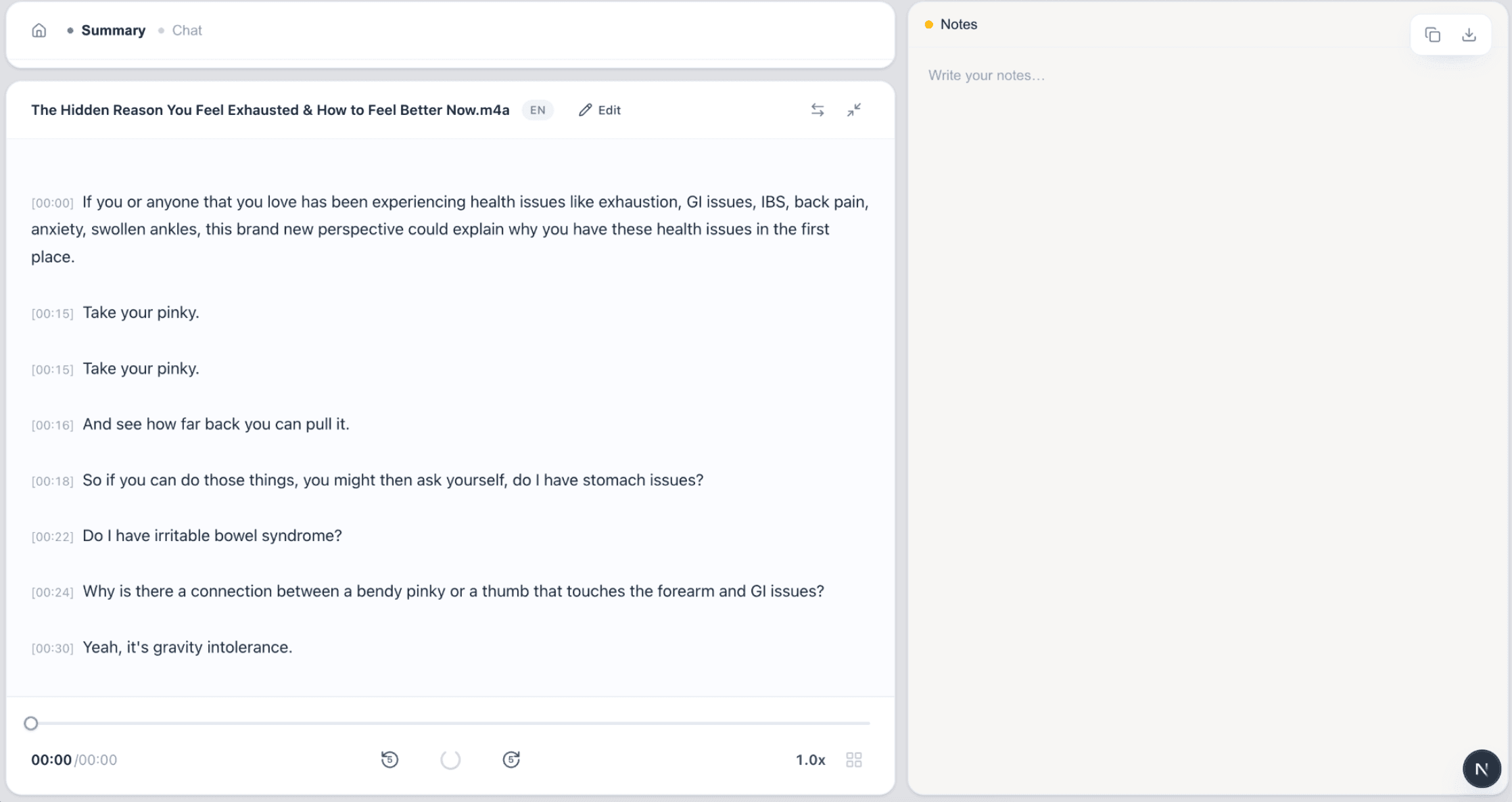
From MP4 file to text and subtitles
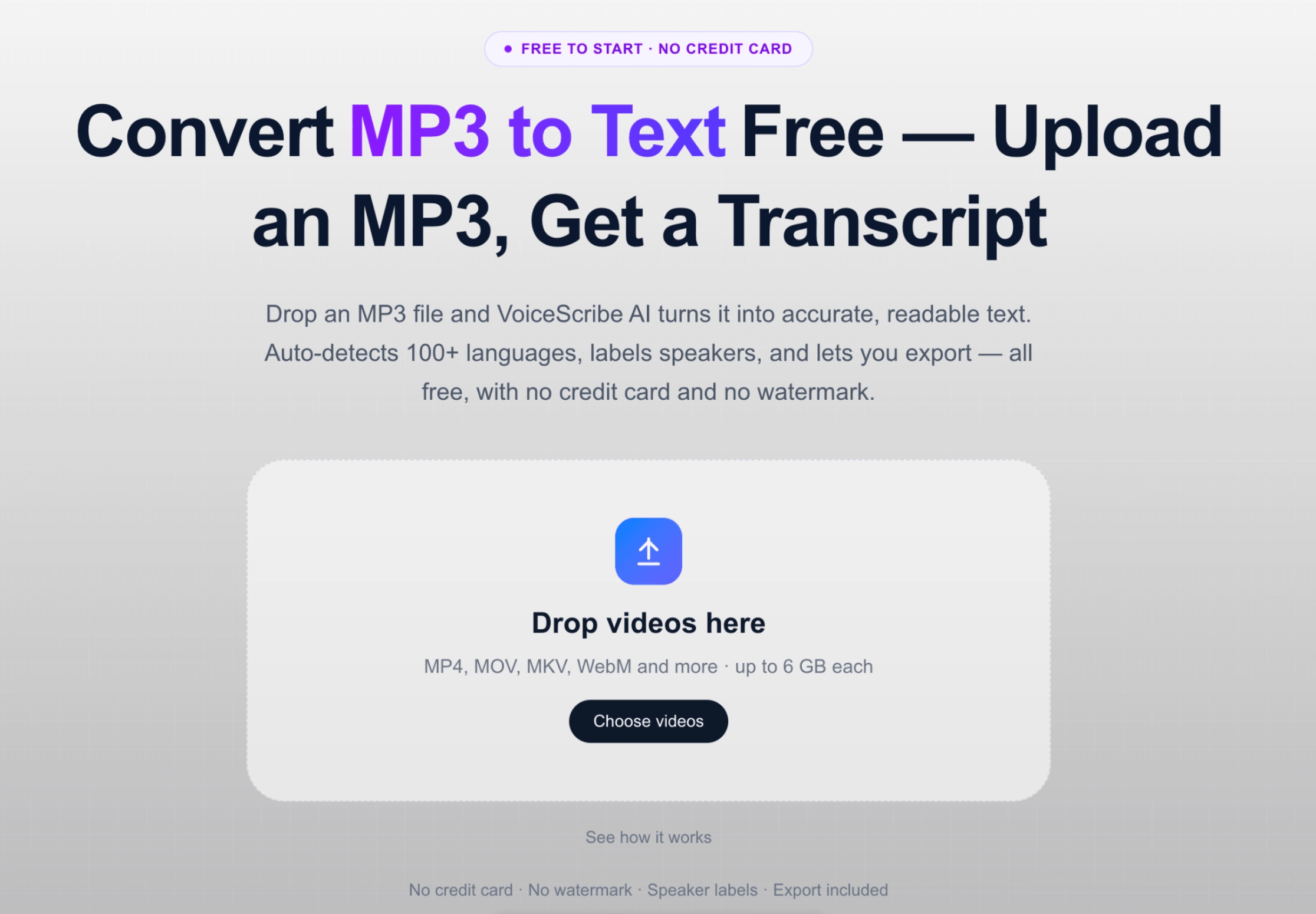
Upload your MP4, then export the transcript and captions you need.
FAQ
MP4 to text FAQ
How do I convert an MP4 to text?
Upload your MP4 video file to VoiceScribe AI. It transcribes the audio track inside the MP4 and returns a timestamped transcript you can read, copy or export to TXT, DOCX (all languages), or PDF (basic ASCII only).
Does MP4 to text extract on-screen text or slides?
No. This tool transcribes spoken audio, not words visible in video frames. A silent video, slides without narration or burned-in captions will not produce a transcript of that visible text. Use an OCR workflow if you need text from images or slides.
Should I download my MP4 transcript as TXT, DOCX or SRT?
Choose TXT for plain text you can copy into notes or another app. Choose DOCX for an editable Word document. Choose SRT or VTT when you need timed captions rather than a reading document. These exports are based on the same transcript; changing the format does not correct recognition errors.
What should I check before quoting an MP4 transcript?
Listen to the relevant passage and verify names, numbers, technical terms and who is speaking. Review punctuation and sentence boundaries without inventing missing words. Keep the original recording as your reference; an automatic transcript can omit or mishear speech.
Can I get subtitles from my MP4?
Yes. Alongside the transcript, you can export SRT and VTT subtitle files generated from the same MP4, ready to add as captions to your video.
Is converting MP4 to text really free?
The default free allowance is 3 transcription tasks per day, with local audio/video uploads automatically previewing the first 30 seconds. Files of 30 seconds or less are transcribed in full. Copying, editing, exports, GPT and translation are available to everyone for accessible transcript content. Full transcription beyond the preview requires Pro. Your available quota is determined by the service. No credit card is needed to try the public uploader. Available exports include TXT, DOCX, SRT and VTT; PDF supports basic ASCII only.
What are the MP4 upload limits?
The uploader accepts files up to 6 GiB (6,442,450,944 bytes). This is a file-size check, not a guaranteed recording duration or processing capacity. Large files may exceed browser memory or service limits; test a shorter clip first.
Which languages can it transcribe from an MP4?
VoiceScribe AI supports 100+ languages and auto-detects the spoken language in your MP4, so you do not need to set it manually before transcribing.
Transcribe your MP4 for free
Upload an MP4 and get a transcript plus SRT/VTT subtitles. No credit card needed.
Convert MP4 to text