Free to start · No credit card
Zoom RecordingTranscriptionFrom Your Downloaded MP4 or M4A
Drop audio or video here
MP3, MP4, WAV, M4A, MOV, WebM and more · up to 6 GB each
- No credit card required
- Speaker labels
- TXT, DOCX, SRT, VTT exports for all languages; PDF (basic ASCII only) for plain English text
- Audio and video files
Supported formats: MP3, WAV, M4A, MP4, MOV, WEBM, AAC, FLAC
Private uploads. Files are used to create your transcript and exports.
Already recorded your Zoom call? Download the recording from Zoom, upload the MP4 or M4A to VoiceScribe AI, and get an accurate transcript with speaker labels — free monthly minutes, no credit card to start.
No credit card · Works on downloaded recordings · Speaker labels free · Export included
Built for audio, video, meetings, podcasts, lectures and interviews.
TXT, DOCX, SRT, VTT for all languages. PDF (basic ASCII only) for plain English text.
What you get for free
Zoom recording transcription, with no asterisks
The questions people ask before uploading a Zoom recording — answered plainly.
- Price
- Free monthly minutes · No credit card to start
- Credit card required
- No
- How it works
- Upload your downloaded Zoom recording file
- Supported files
- MP4 and M4A (Zoom recording exports)
- Max file length
- Up to 4 hours per file
- Speaker labels
- Included for free
- Languages
- 100+ with auto-detect
- Export formats
- TXT, DOCX, SRT, VTT, PDF (basic ASCII only)
VoiceScribe AI transcribes the recording file you download from Zoom — it does not auto-join your live calls. You stay in control of which recordings you upload.
How it works
Record in Zoom, transcribe here
1. Record your Zoom meeting
Use Zoom's built-in recording to capture your meeting. Local recordings save an MP4 video and an M4A audio file; cloud recordings can be downloaded from your Zoom account.
2. Download the recording
Save the Zoom recording to your device. For local recordings the files are already on your computer; for cloud recordings, download the MP4 or M4A from the Zoom web portal.
3. Upload to VoiceScribe AI
Drag the MP4 or M4A into VoiceScribe AI. Files up to 4 hours are supported, so even long workshops and webinars transcribe in one pass.
4. Get your transcript
Receive a transcript with automatic speaker labels, then export to TXT, DOCX, SRT, VTT (all languages), or PDF (basic ASCII only). Core exports are included with free monthly minutes — no credit card to start and no watermark.
See it in action
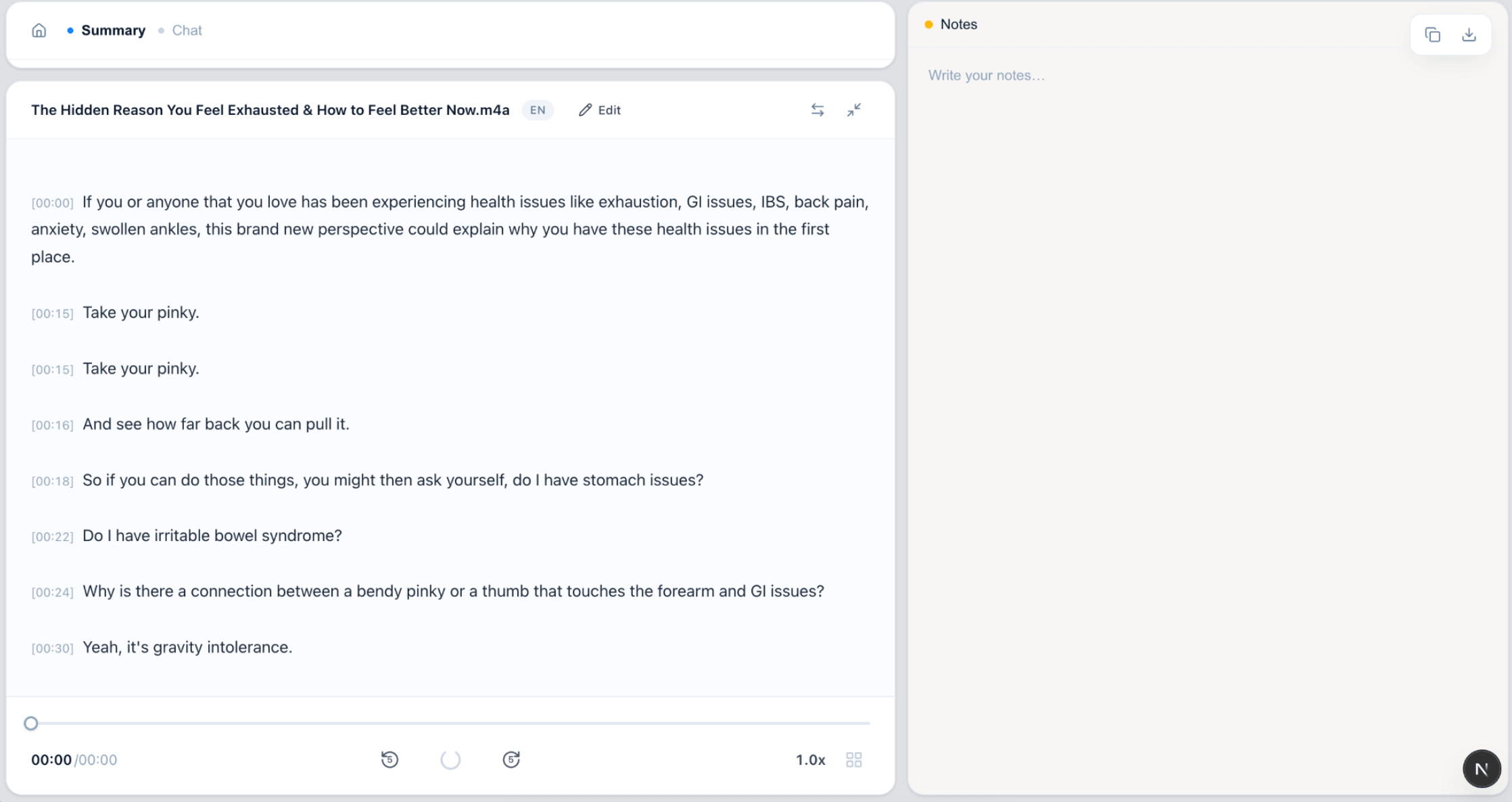
From Zoom recording to transcript
Upload the file you downloaded from Zoom and read the text in minutes.
FAQ
Zoom recording transcription FAQ
Does VoiceScribe AI join my Zoom call automatically?
No. There is no live bot that auto-joins your Zoom meetings. VoiceScribe AI transcribes the recording file after you download it from Zoom — you record in Zoom, save the MP4 or M4A, and upload it here to get a transcript.
How do I transcribe a Zoom recording?
Record your meeting in Zoom, download the recording (local recordings save MP4 and M4A files; cloud recordings can be downloaded from the Zoom portal), then upload that file to VoiceScribe AI. You get a transcript with speaker labels in minutes.
What Zoom recording file types are supported?
Both the MP4 video and the M4A audio that Zoom produces are supported. You can upload either one — the audio is what gets transcribed.
Is Zoom recording transcription really free?
You can start for free with no credit card. Free monthly transcription minutes are included, along with speaker labels and exports to TXT, DOCX, SRT, VTT (all languages), and PDF (basic ASCII only), and there is no watermark.
How long can my Zoom recording be?
Individual files can be up to 4 hours long, which covers most meetings, webinars and full-day workshops in a single upload. The tool also auto-detects 100+ languages.
Related pages
Free Transcription Tools
Compare audio, video, MP3, MP4 and Zoom transcription workflows in one place.
Free Audio to Text Converter →
Drop MP3, MP4, M4A or WAV and get a transcript instantly — free.
Otter.ai Alternative →
A free, full-featured alternative for meeting and interview transcription.
How to Transcribe Audio Files Free →
A step-by-step guide to turning any audio or video file into text for free.
Transcribe your Zoom recording for free
Upload the MP4 or M4A you saved from Zoom. No credit card. Every feature included.
Create a free account