Free to start · No credit card
The FreeVideo to Text ConverterThat Turns Any Video Into a Transcript and Subtitles
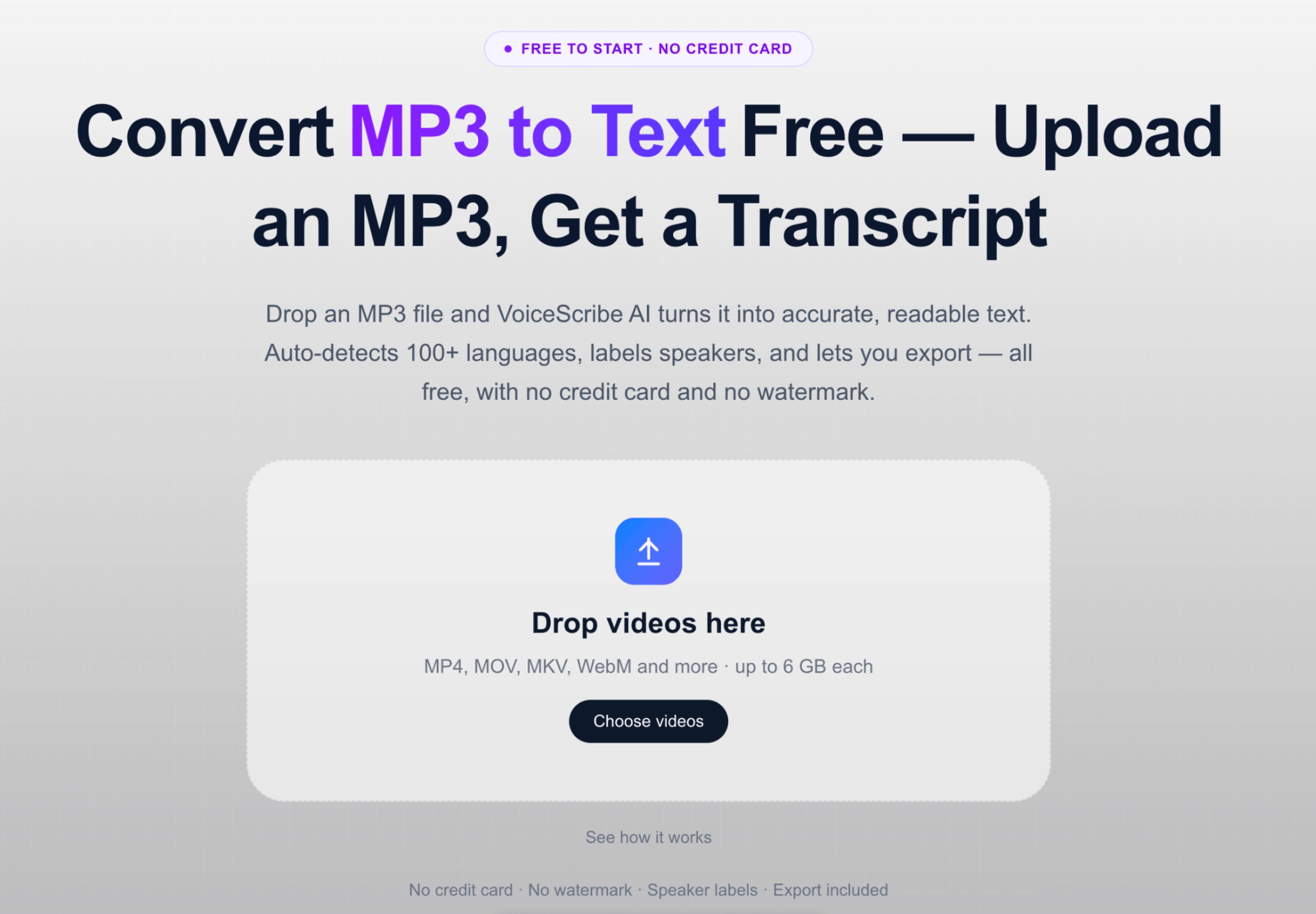
Upload an MP4, MOV, AVI, MKV or WEBM file and VoiceScribe AI returns a clean transcript plus ready-to-use SRT and VTT subtitles. 100+ languages with auto-detect, speaker labels included, and files up to 4 hours — all free.
Arrastra los videos aquí
MP4, MOV, MKV, WebM y más · hasta 6 GB por archivo
No credit card · No watermark · Subtitles included · Up to 4 hours per file
What you get for free
Everything you need to convert video to text
The questions people ask before uploading a video — answered plainly.
- Price
- Free monthly minutes · No credit card to start
- Credit card required
- No
- Video formats supported
- MP4, MOV, AVI, MKV, WEBM
- Max file length
- Up to 4 hours per file
- Languages
- 100+ with auto-detect
- Speaker labels
- Included for free
- Export formats
- TXT, DOCX, SRT, VTT, PDF
- Subtitles (SRT, VTT)
- Included — no upgrade needed
We list real limits instead of hiding them. If anything below changes, this page is updated. Supported formats and limits reflect VoiceScribe AI as of 2026.
How it works
Upload a video, get a transcript and subtitles
Upload your video file
Drop in an MP4, MOV, AVI, MKV or WEBM file. VoiceScribe AI extracts the audio track and prepares it for transcription — no separate audio export needed.
Get an accurate transcript
The video is transcribed into clean, readable text with automatic punctuation. Language is auto-detected across 100+ languages, and speaker labels separate who said what.
Export subtitles in SRT and VTT
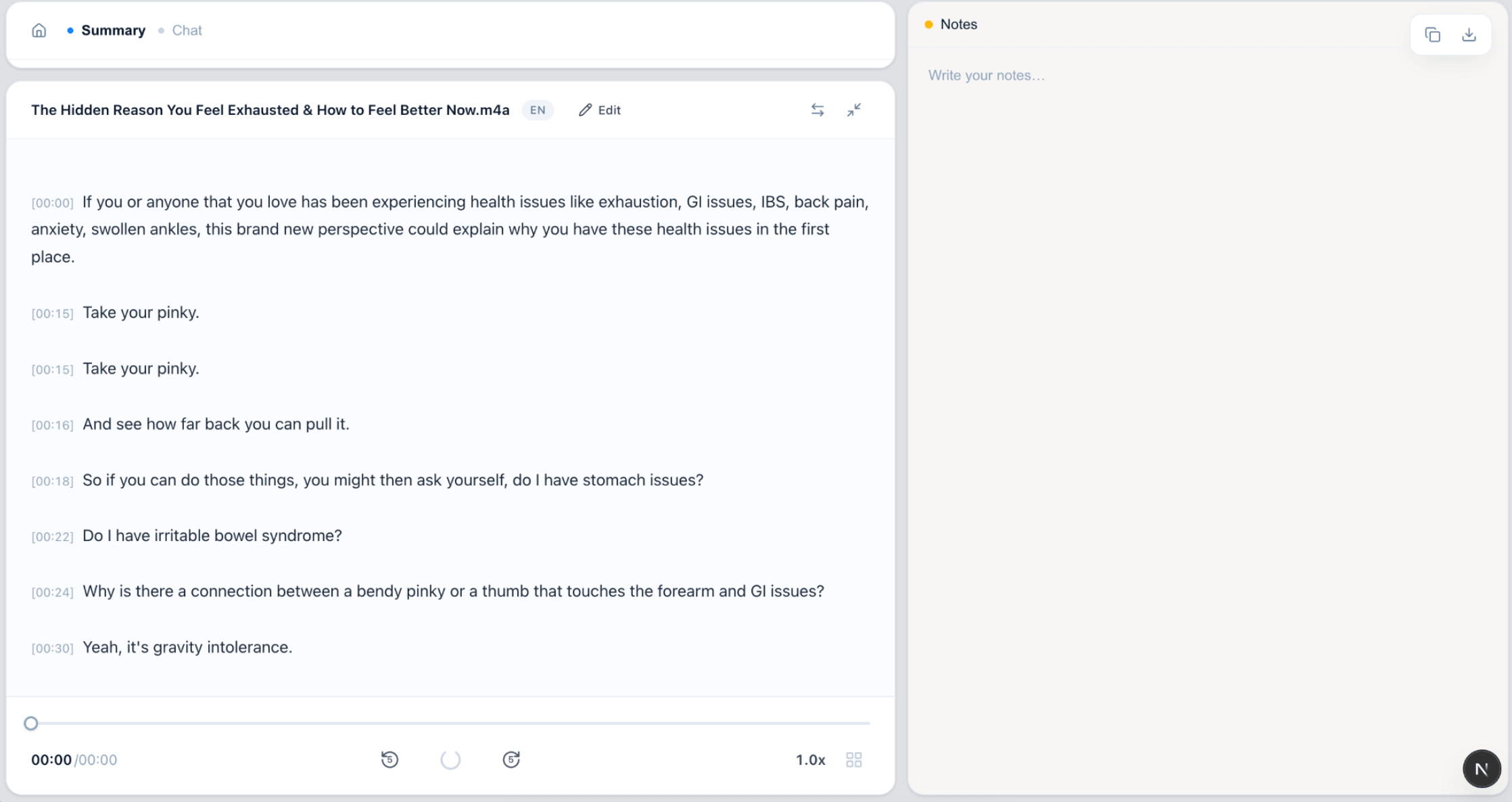
Download timed SRT and VTT subtitle files for YouTube, social clips or video editors — included for free, with no watermark and no upgrade prompt.
No credit card, no file caps to dodge
Individual files can be up to 4 hours long, which covers most lectures, webinars and long-form videos. Sign up with email or Google and start converting — nothing to cancel later.
See it in action
From video upload to subtitles
No locked buttons, no "upgrade to export" popups.
FAQ
Video to text FAQ
How do I convert a video to text?
Upload your video file to VoiceScribe AI, and it extracts the audio and transcribes it into text automatically. You can then read, edit and export the transcript, or download timed subtitles.
Which video formats are supported?
You can upload MP4, MOV, AVI, MKV and WEBM video files. The audio track is processed automatically, so you do not need to convert the video to audio first.
Can I get subtitles from my video?
Yes. Alongside the plain-text transcript, you can export timed subtitles in SRT and VTT formats — ready for YouTube, social clips and most video editors. Subtitle export is free.
What languages can it transcribe?
VoiceScribe AI supports 100+ languages with automatic language detection, so spoken video in most major languages can be transcribed without choosing the language manually.
Is there a length limit or a cost?
The video to text converter is free with no credit card required. Individual files can be up to 4 hours long, which covers most lectures, webinars and long-form videos.
Convert your video to text for free
No credit card. No watermark. Transcript and subtitles included.
Create a free account