Free to start · No credit card
The FreeOtter.ai AlternativeThat Does Not Lock Features Behind a Paywall
At the time of writing, Otter caps its free tier at 300 minutes a month and gates speaker labels, longer files and exports behind Otter Pro, based on otter.ai’s public pricing. VoiceScribe AI gives you free monthly minutes with core features included — no credit card to start, no watermark, no trial countdown.
No credit card · No watermark · Export included · Honest about limits
What you actually get for free
The free plan, with no asterisks
The questions people ask before signing up — answered plainly.
- Price
- Free monthly minutes · No credit card to start
- Credit card required
- No
- Can free users export?
- Yes — TXT, DOCX, SRT, VTT, PDF
- Watermark on output?
- No
- Max file length
- Up to 4 hours per file
- Speaker labels
- Included for free
- Languages
- 100+ with auto-detect
- Video files (MP4, MOV)
- Supported
We list real limits instead of hiding them. Otter.ai free-tier limits are summarized from otter.ai’s public pricing at the time of writing and may change — please verify on otter.ai.
Why free actually means free
Where Otter free falls short
No 300-minute monthly cap
Otter Basic limits you to 300 minutes per month and 30 minutes per conversation. VoiceScribe AI's free plan handles files up to 4 hours each, so a single long lecture or podcast doesn't blow your quota.
Exports are not paywalled
On some Otter tiers, SRT and bulk export require a paid plan. With VoiceScribe AI, TXT, DOCX, SRT, VTT and PDF export are all free — useful for captioning and document workflows.
Speaker labels included
Automatic speaker separation is part of the free plan, not a premium upsell. Good for interviews, panels and multi-person meetings.
No credit card, no trial countdown
You are not starting a trial that converts to a charge. Sign up with email or Google and start transcribing — there is nothing to cancel later.
See it in action
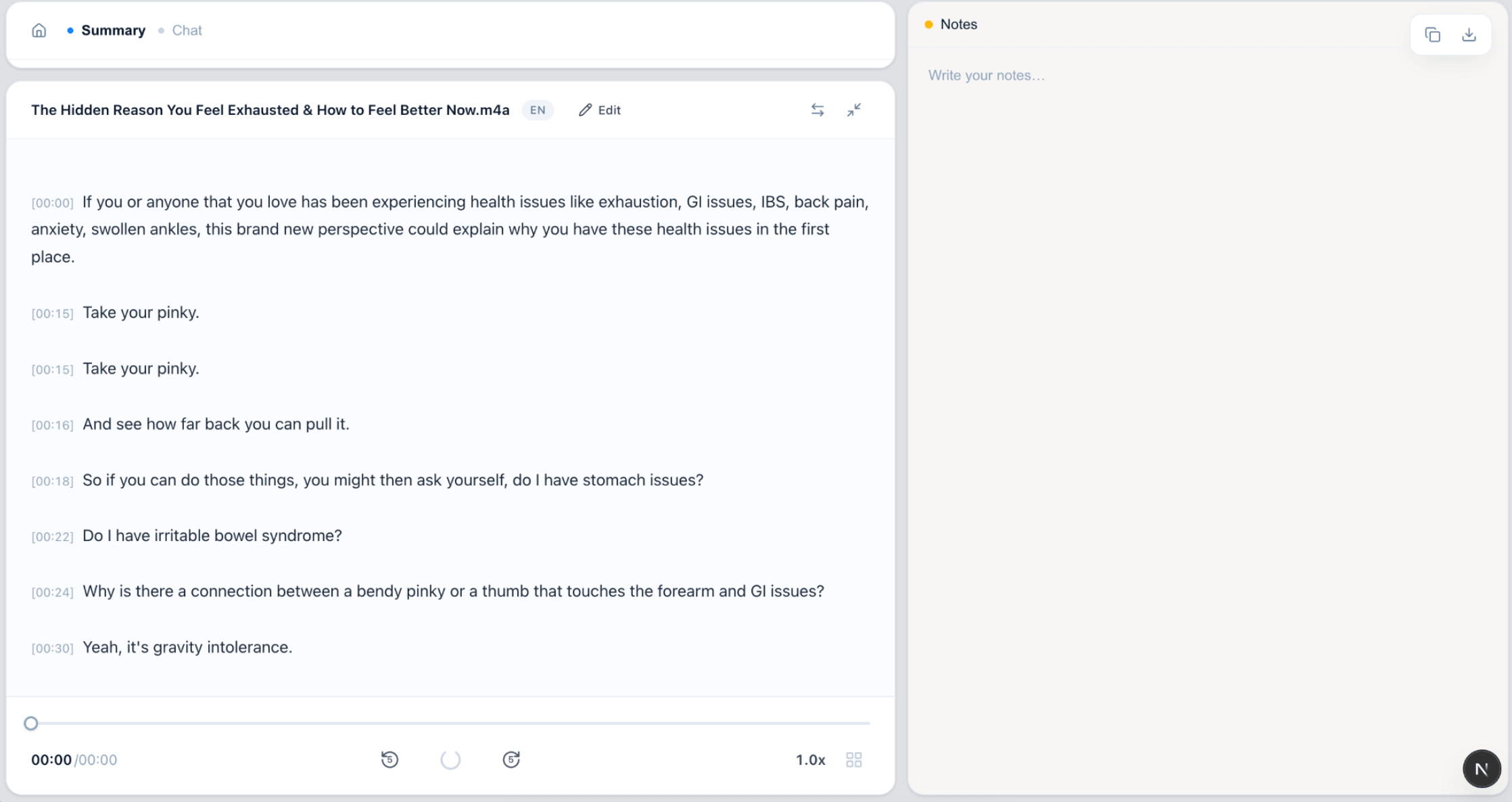
What the free plan looks like
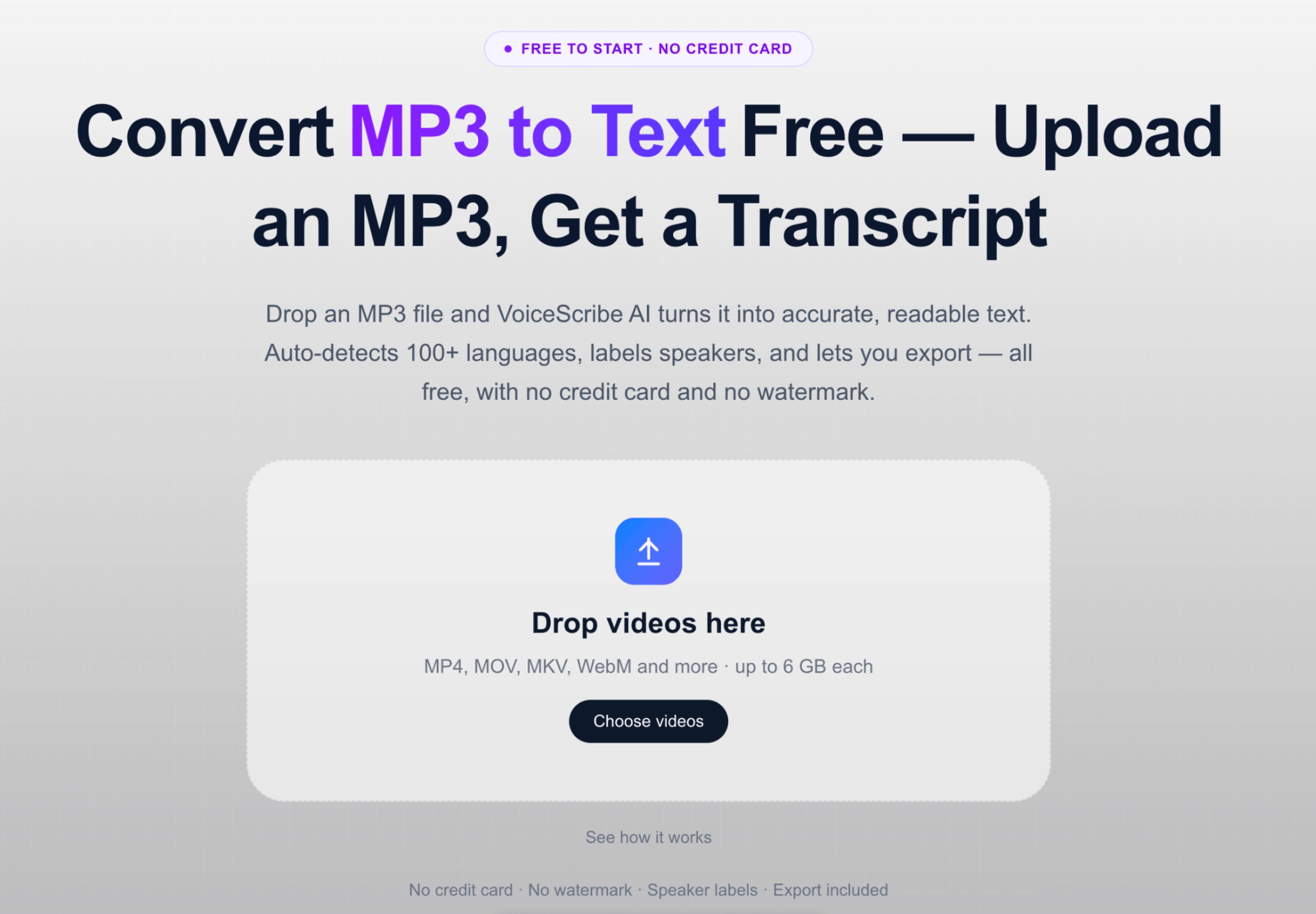
No locked buttons, no "upgrade to export" popups.
FAQ
Free plan FAQ
Is VoiceScribe AI really free, or is it a trial?
You can start for free with no credit card. Free monthly minutes are included, and core features like speaker labels and exports are available — and nothing auto-converts to a paid charge.
Do I need a credit card to use the free plan?
No. You sign up with an email address or Google account and start transcribing immediately. No payment details are requested.
Can free users export transcripts?
Yes. Free users can export to TXT, DOCX, SRT, VTT and PDF. Subtitle formats (SRT, VTT) are included, which is helpful for captioning video and podcasts.
Is there a watermark or a file-length limit?
There is no watermark on transcripts or exports. Individual files can be up to 4 hours long, which covers most lectures, interviews and long-form podcasts.
How is this different from Otter.ai free?
Otter's free Basic tier caps you at 300 minutes per month with a 30-minute-per-conversation limit, and gates some exports and features behind Otter Pro. VoiceScribe AI's free plan removes those caps and keeps exports and speaker labels free.
Related pages
Otter.ai Alternative (full comparison) →
Every feature compared side by side, across pricing, languages and limits.
Otter.ai vs VoiceScribe AI →
A head-to-head decision guide, with honest "choose Otter if..." advice.
Free Audio to Text Converter →
Drop MP3, MP4 or WAV and get a transcript instantly — free.
Start transcribing for free
No credit card. No trial countdown. Every feature included.
Create a free account