Free to start · No credit card
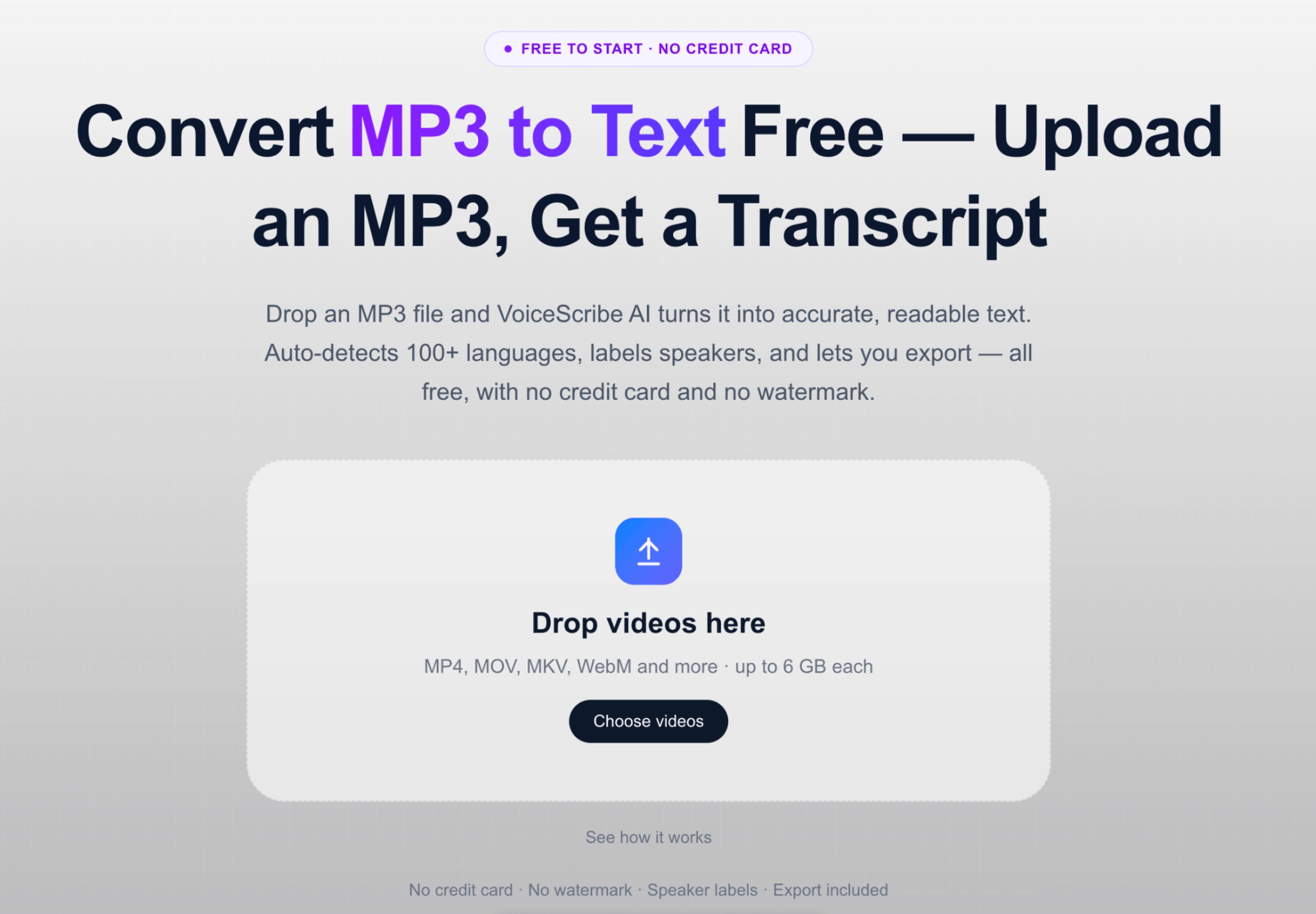
ConvertMP3 to TextFree — Upload an MP3, Get a Transcript
Drop an MP3 file and VoiceScribe AI turns it into accurate, readable text. Auto-detects 100+ languages, labels speakers, and lets you export — all free, with no credit card and no watermark.
ここに動画をドロップ
MP4 / MOV / MKV / WebM などに対応 · 1 ファイル最大 6 GB
No credit card · No watermark · Speaker labels · Export included
How MP3 to text works
From MP3 file to transcript in a few steps
No software to install — everything runs in your browser.
- Step 1 — Upload
- Drag your MP3 file into VoiceScribe AI (files up to 4 hours)
- Step 2 — Transcribe
- The language is auto-detected from 100+ options and speakers are labeled
- Step 3 — Review & edit
- Read the transcript, fix any names or terms, and search the text
- Step 4 — Export
- Download as TXT, DOCX, SRT, VTT or PDF
- Price
- Free monthly minutes · No credit card to start
- Credit card required
- No
- Max MP3 length
- Up to 4 hours per file
- Watermark on output
- No
These are the real limits, not a trial. MP3 is the most common format people upload, and it is fully supported end to end.
Why convert MP3 to text here
Built for accurate, exportable MP3 transcripts
Accurate MP3 transcription
VoiceScribe AI handles real-world MP3 recordings — interviews, lectures, podcasts and voice memos — and produces clean, punctuated text you can actually read and reuse.
100+ languages, auto-detected
You do not have to tell it the language. The transcriber detects the spoken language from over 100 options, so MP3 files in any supported language are converted to text the same way.
Speaker labels included free
Multi-person MP3 recordings are automatically split by speaker, which is essential for interviews, panels and meetings. This is part of the free plan, not an upsell.
Export to the format you need
Once your MP3 is text, download it as TXT or DOCX for documents, or SRT and VTT for subtitles. PDF export is included too — useful for sharing finished transcripts.
See it in action
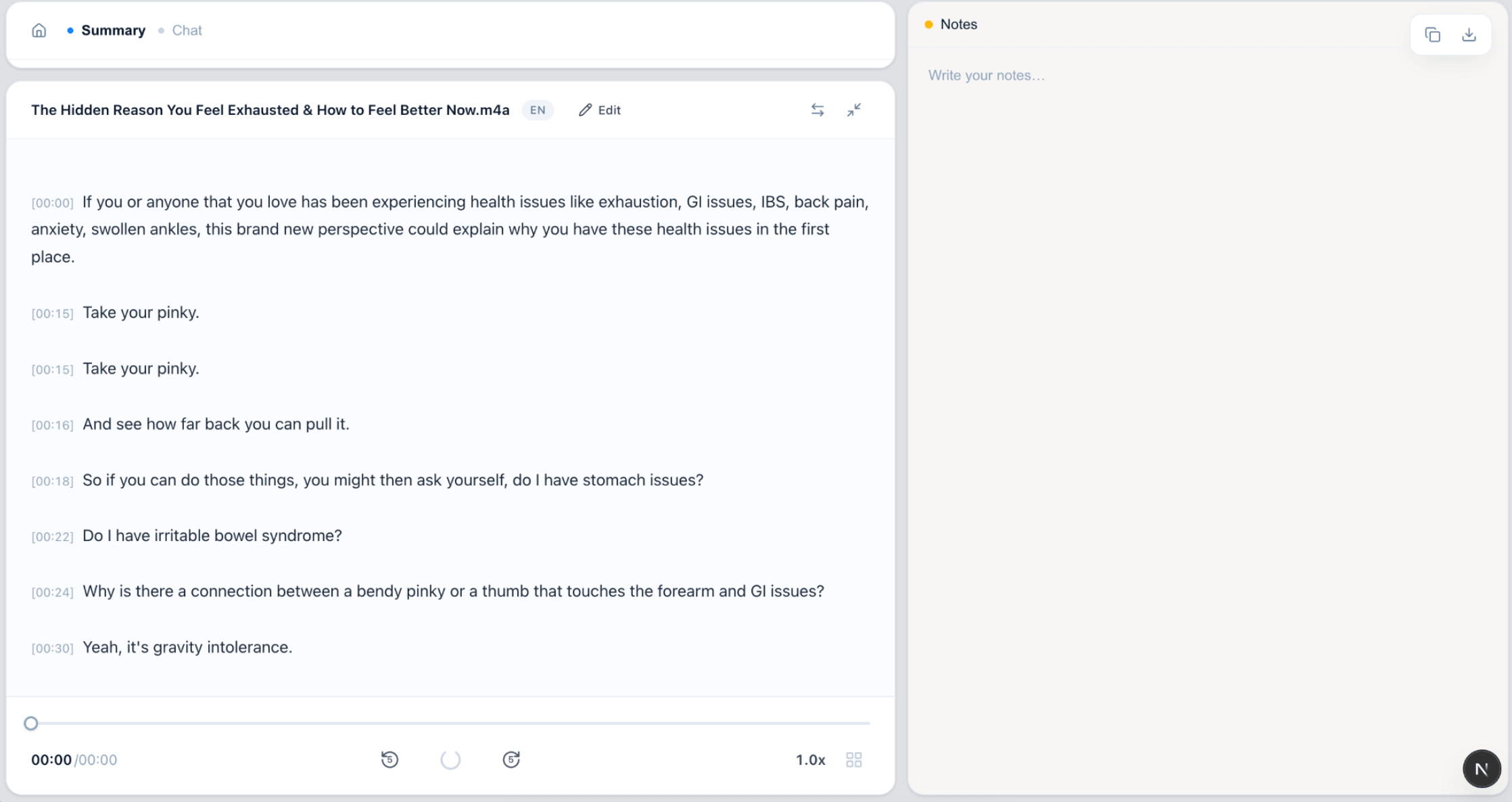
What MP3 to text looks like
Upload an MP3, get a transcript you can edit and export.
FAQ
MP3 to text — frequently asked questions
How do I convert an MP3 to text?
Upload your MP3 file to VoiceScribe AI, and it transcribes the audio into text automatically. The language is auto-detected, speakers are labeled, and you can then read, edit and export the transcript — no software install required.
Is converting MP3 to text free?
You can start for free with no credit card. Free monthly transcription minutes are included, along with speaker labels and exports to TXT, DOCX, SRT, VTT and PDF.
How accurate is the MP3 transcription?
Accuracy is high for clear MP3 recordings with good audio quality. Background noise, heavy crosstalk or very low-volume recordings can reduce accuracy, so you can always review and edit the transcript before exporting.
What languages are supported for MP3 files?
Over 100 languages are supported, and the spoken language is detected automatically. You do not need to select it manually before converting your MP3 to text.
What formats can I export my MP3 transcript to?
Once your MP3 is text, you can export to TXT, DOCX, SRT, VTT and PDF. SRT and VTT are subtitle formats, which are handy when the MP3 was extracted from a video or podcast.
Convert your MP3 to text now
No credit card. No watermark. Speaker labels and exports included.
Convert MP3 to text free