Free to start · No credit card
Turn anMP4 to Textand Subtitles in One Upload
Drop in an MP4 video file and VoiceScribe AI returns a clean, timestamped transcript plus ready-to-use SRT and VTT subtitles. No software to install, no credit card, and your MP4 can run up to 4 hours long.
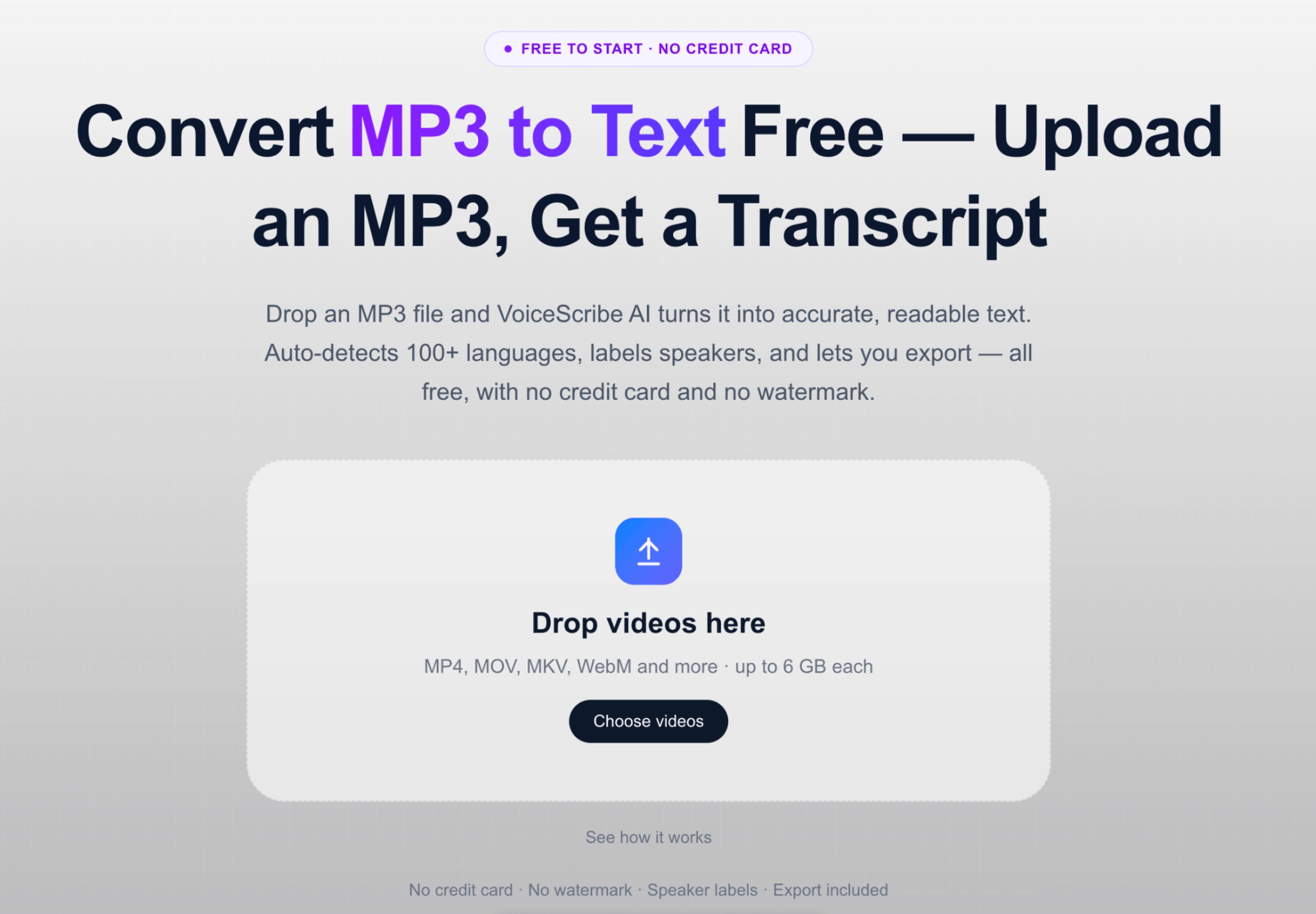
여기에 동영상을 드롭하세요
MP4 / MOV / MKV / WebM 등 지원 · 파일당 최대 6 GB
No credit card · No watermark · TXT, DOCX, SRT, VTT & PDF export · 100+ languages
MP4 to text, at a glance
Everything you get when you transcribe an MP4
The questions people ask before uploading their first MP4 — answered plainly.
- Price
- Free monthly minutes · No credit card to start
- Credit card required
- No
- Input format
- MP4 video files (audio track is transcribed)
- Subtitle export
- Yes — SRT and VTT for captions
- Other exports
- TXT, DOCX and PDF
- Max MP4 length
- Up to 4 hours per file
- Speaker labels
- Included for free
- Languages
- 100+ with auto-detect
We transcribe the audio track inside your MP4. Limits listed here are real and kept up to date — if anything changes, this page is updated.
Why convert MP4 to text here
Built for MP4 transcription specifically
Upload MP4, get transcript + subtitles
One upload produces both a readable transcript and timed subtitle files. Use the TXT or DOCX for documentation and the SRT or VTT to caption the same MP4 you uploaded.
Long MP4 files are fine
Recorded webinars, lectures and screen captures are often long. A single MP4 can be up to 4 hours, so you do not have to split a recording before transcribing it.
Speaker labels for multi-person video
Interviews, panels and meetings recorded as MP4 get automatic speaker separation, so the transcript shows who said what — included for free, not a paid add-on.
Auto-detects the spoken language
No need to tell us the language of your MP4. VoiceScribe AI detects it automatically across 100+ languages and transcribes accordingly.
See it in action
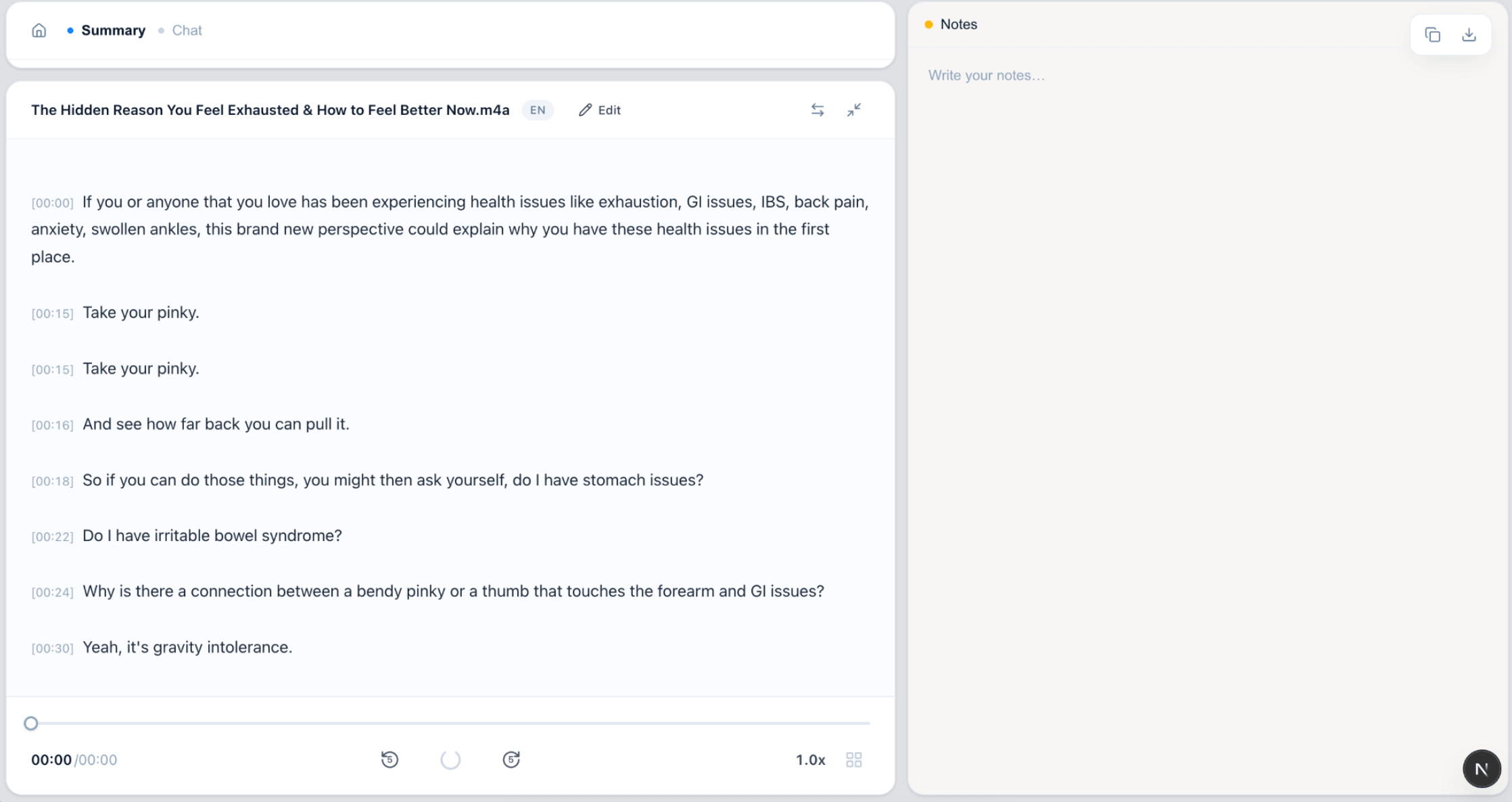
From MP4 file to text and subtitles
Upload your MP4, then export the transcript and captions you need.
FAQ
MP4 to text FAQ
How do I convert an MP4 to text?
Upload your MP4 video file to VoiceScribe AI. It transcribes the audio track inside the MP4 and returns a timestamped transcript you can read, copy or export to TXT, DOCX or PDF.
Can I get subtitles from my MP4?
Yes. Alongside the transcript, you can export SRT and VTT subtitle files generated from the same MP4, ready to add as captions to your video.
Is converting MP4 to text really free?
You can start for free with no credit card. Free monthly transcription minutes are included, along with speaker labels and exports to TXT, DOCX, SRT, VTT and PDF.
How long can my MP4 file be?
Each MP4 can be up to 4 hours long, which covers most recorded webinars, lectures, interviews and long-form videos without needing to split the file first.
Which languages can it transcribe from an MP4?
VoiceScribe AI supports 100+ languages and auto-detects the spoken language in your MP4, so you do not need to set it manually before transcribing.
Related pages
Transcribe your MP4 for free
Upload an MP4 and get a transcript plus SRT/VTT subtitles. No credit card needed.
Convert MP4 to text