Free for students · No credit card
TheOtter.ai AlternativeBuilt for Students Who Transcribe Lectures
Record once, transcribe everything. VoiceScribe AI turns long lectures, seminars and interviews into searchable, exportable study notes — files up to 4 hours, 100+ languages, free monthly minutes and no credit card to start.
No credit card · Files up to 4 hours · 100+ languages · Export to DOCX & PDF
How students actually use it
Made for lectures, seminars and study notes
The questions students ask before turning a recording into notes — answered plainly.
- Price for students
- Free monthly minutes · No credit card to start
- Credit card required
- No
- Max lecture length
- Up to 4 hours per file
- Languages for international courses
- 100+ with auto-detect
- Speaker labels for seminars
- Included for free
- Searchable transcripts
- Yes — find any moment by keyword
- Export study notes
- TXT, DOCX, SRT, VTT, PDF
- Lecture recordings on video
- MP4 and MOV supported
We list real limits instead of hiding them. If anything below changes, this page is updated. Otter.ai free-tier limits are summarized from the otter.ai public pricing at the time of writing and may change — please verify on otter.ai.
Why it works for coursework
Where Otter free falls short for students
Whole lectures, not 30-minute clips
Otter Basic caps you at 300 minutes a month and 30 minutes per conversation — a problem for a 90-minute lecture. VoiceScribe AI handles files up to 4 hours each, so a full seminar or guest lecture fits in a single transcript.
Searchable transcripts for revision
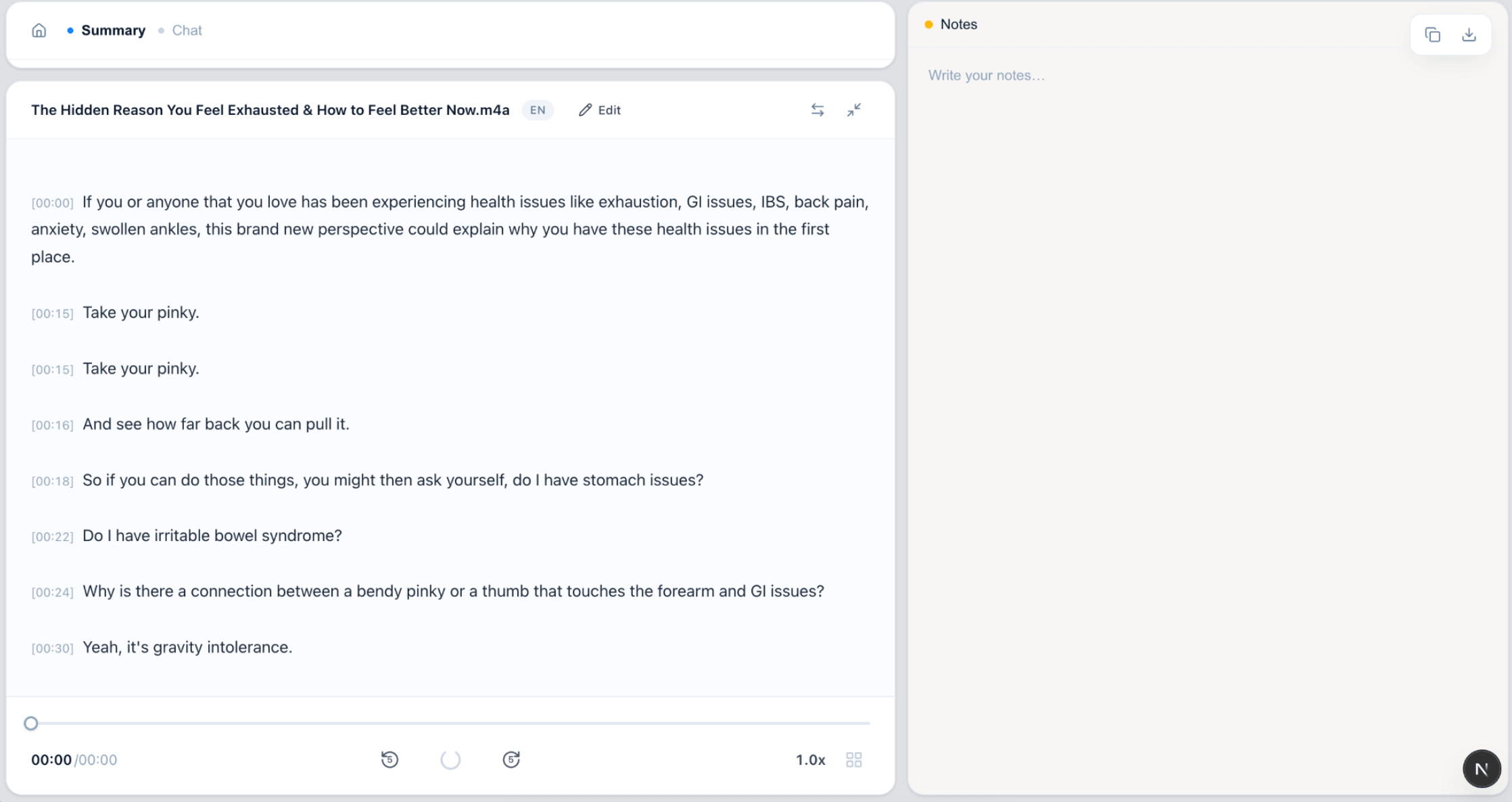
Every transcript is searchable, so you can jump straight to the moment a concept was explained instead of re-listening to the whole recording. Ideal for exam revision and writing up lab or field notes.
Export notes to DOCX and PDF
Turn a recording into a document you can edit, annotate or submit. Export to TXT, DOCX, SRT, VTT and PDF for free — no upgrade prompt before you can download your own notes.
Multiple languages for international study
Recording a lecture in French, Mandarin or Spanish? Auto-detect handles 100+ languages, which helps with language courses, study-abroad terms and interviews for research projects.
See it in action
From recording to study notes
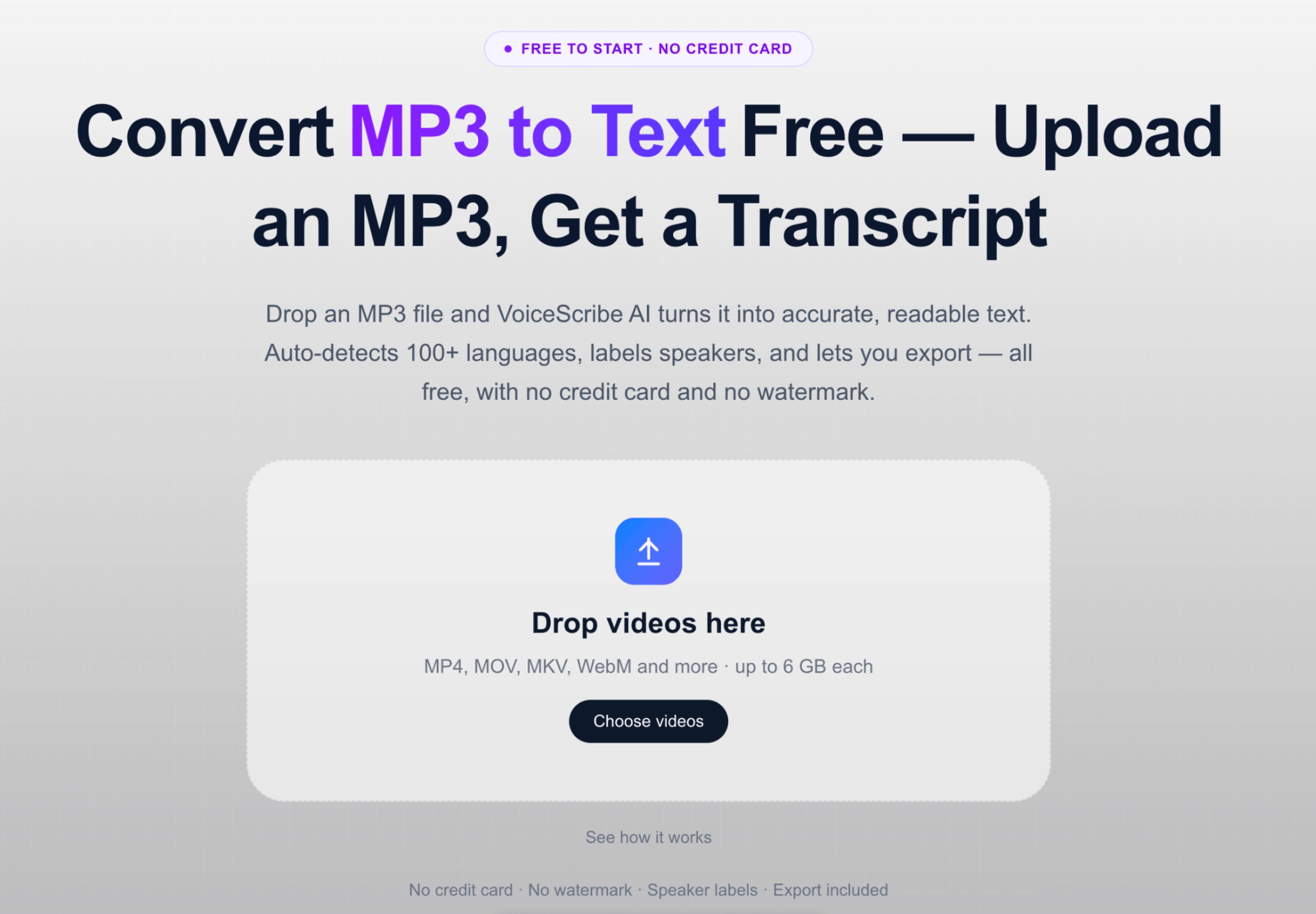
Upload a lecture, get a searchable transcript, export it as notes.
FAQ
Student transcription FAQ
Is VoiceScribe AI free for students?
You can start for free with no credit card, including students. Free monthly transcription minutes are included, along with speaker labels and exports to TXT, DOCX, SRT, VTT and PDF. There is no trial, so you will not be charged automatically.
Can it transcribe a full-length lecture or seminar?
Yes. Individual files can be up to 4 hours long, which covers a typical 50–90 minute lecture, a long seminar, or a recorded interview for a research project — all in a single transcript.
Can I search my lecture transcripts and export notes?
Transcripts are searchable, so you can find where a topic was discussed by keyword. You can export your notes to TXT, DOCX, SRT, VTT and PDF for free — useful for revision, assignments and sharing with classmates.
Does it support lectures recorded in other languages?
Yes. Auto-detect supports 100+ languages, so it works for language courses, study-abroad lectures and interviews conducted in a second language. Speaker labels are included for free, which helps with seminars and panel discussions.
Can I upload a video recording of a lecture?
Yes. Video files in MP4 and MOV are supported, so a screen-recorded or filmed lecture can be transcribed directly — no need to extract the audio first.
Related pages
Turn your next lecture into notes
No credit card to start. Free monthly minutes. Built for students with core study workflows included.
Create a free account