Built for podcasters · Free to start
TheOtter.ai AlternativeMade for Podcasts, Show Notes and Subtitles
Drop your MP3, WAV or MP4 episode and get a clean, speaker-labeled transcript you can turn into show notes, blog posts and SRT/VTT subtitles. Free monthly minutes with core features included — no credit card to start, files up to 4 hours.
MP3 · WAV · MP4 · Speaker labels · SRT & VTT export · No credit card
What it does for your podcast
From raw episode to publishable content
The questions podcasters ask before switching — answered plainly.
- Price
- Free monthly minutes · No credit card to start
- Credit card required
- No
- Audio formats
- MP3, WAV and more
- Video episodes (MP4, MOV)
- Supported
- Max episode length
- Up to 4 hours per file
- Speaker labels for hosts & guests
- Included for free
- Subtitle export
- SRT and VTT included
- Show notes & blog repurposing
- Export TXT, DOCX, PDF
- Languages
- 100+ with auto-detect
We list real limits instead of hiding them. Otter.ai free-tier limits are summarized from otter.ai’s public pricing at the time of writing and may change — please verify on otter.ai.
Why podcasters pick it over Otter free
Where Otter free gets in the way
Whole episodes, not 30-minute chunks
Otter Basic caps you at 300 minutes a month and 30 minutes per conversation — awkward for a full episode. VoiceScribe AI handles files up to 4 hours each, so a long-form interview transcribes in one pass.
Speaker labels for hosts and guests
Automatic speaker separation is free, so host and guest turns are split out cleanly. That makes editing show notes and pulling quotes far faster than relabeling by hand.
Subtitle export for video podcasts
Export SRT and VTT for free to caption YouTube videos, Reels and Shorts clipped from your episode. No upgrade prompt blocks subtitle download.
Repurpose into show notes and blog posts
Export clean TXT, DOCX and PDF transcripts to draft show notes, timestamps and SEO blog posts from a single recording — turning one episode into multiple content pieces.
See it in action
What the podcast workflow looks like
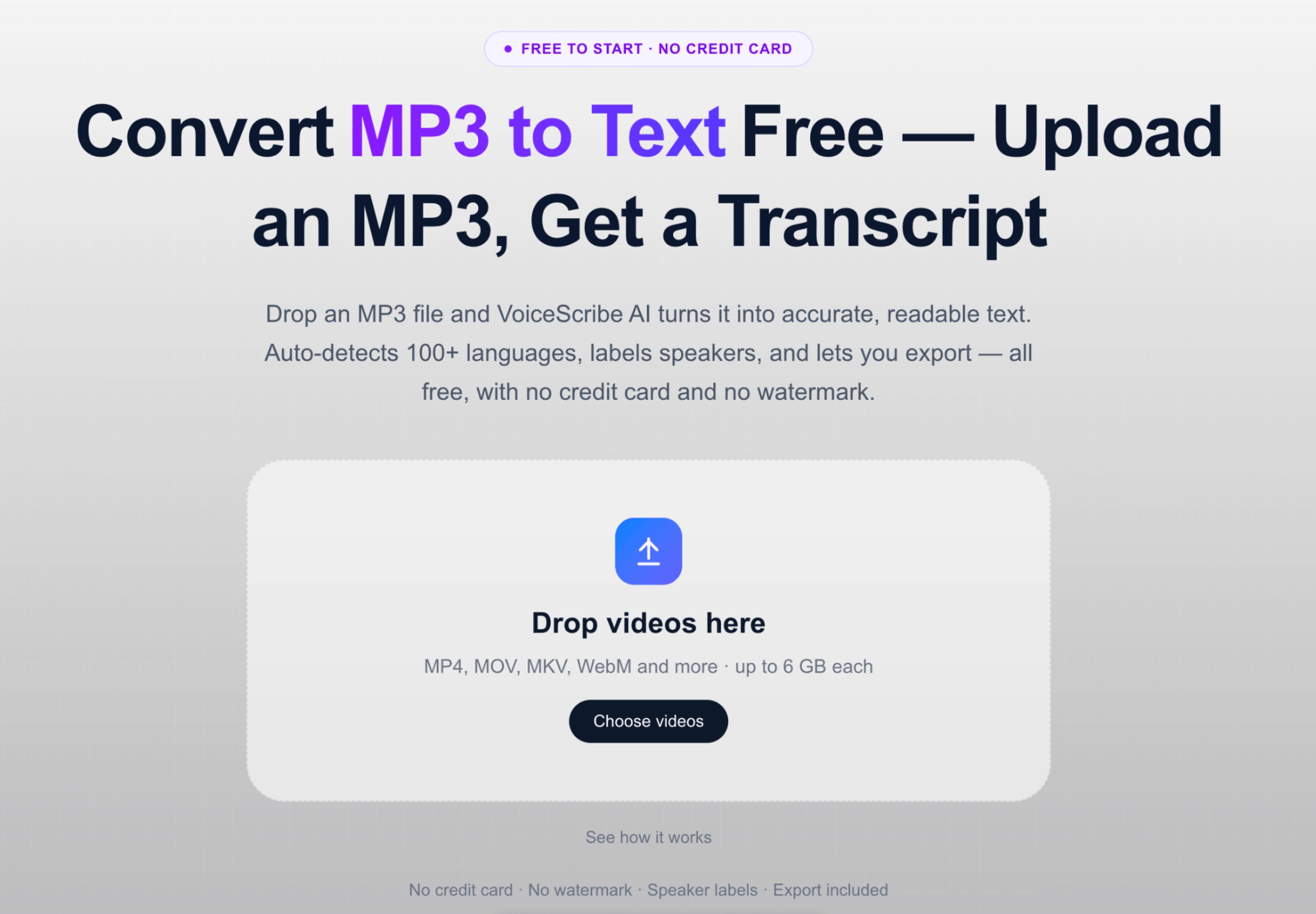
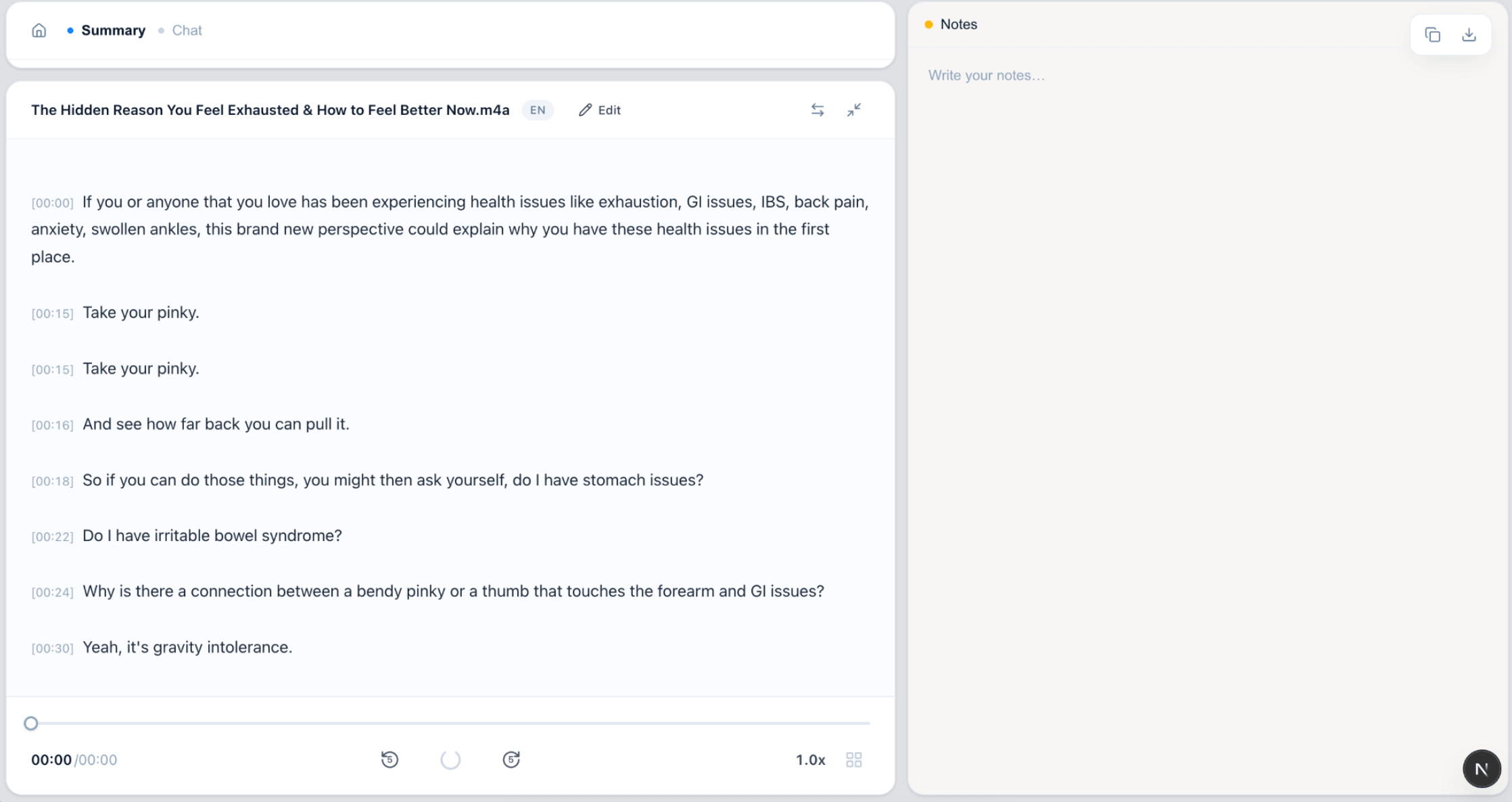
Upload an episode, get speaker-labeled text and subtitle files.
FAQ
Podcast transcription FAQ
Can I transcribe a full podcast episode in one upload?
Yes. Individual files can be up to 4 hours long, so most full episodes transcribe in a single pass without splitting them into shorter clips first.
Does it label hosts and guests separately?
Yes. Automatic speaker labels are included for free, separating host and guest turns so your transcript, quotes and show notes are easy to edit.
Can I export subtitles for my video podcast?
Yes. You can export SRT and VTT subtitle files for free — useful for captioning YouTube videos, Reels and Shorts cut from your episode. TXT, DOCX and PDF exports are also available for show notes.
What audio and video formats are supported?
You can upload common audio files like MP3 and WAV, and video files such as MP4 and MOV. Audio is extracted from video automatically, so video podcasts work too.
Is it really free for podcasters, or is it a trial?
You can start for free with no credit card. Free monthly minutes are included, and core features like speaker labels and SRT/VTT export are available.
Related pages
Turn your next episode into content
Transcripts, speaker labels, show notes and subtitles — all free.
Create a free account